OpenAI shipped Intelligent UI yesterday. I open sourced the same idea two months ago, and it works with any model.
Happy Thursday! Yesterday OpenAI launched GPT-6 with Intelligent UI. Instead of answering in text, ChatGPT can now answer with charts, diagrams, buttons, and interactive tools you can play with. The idea is that the best answers aren’t just text.
I love this. I love it so much that I already built it, eight weeks ago, and wrote about the exact same value premise last month.
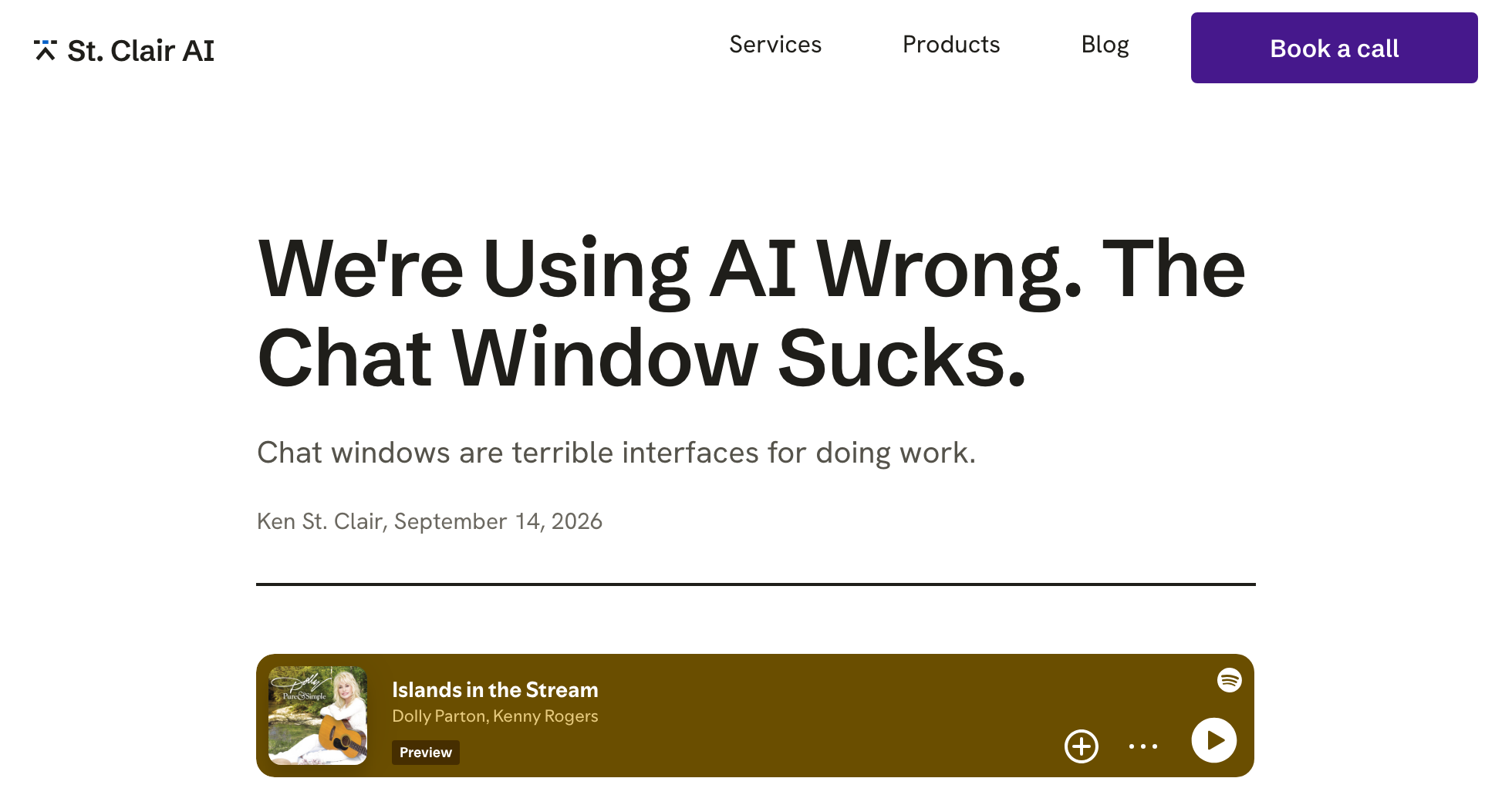
St. Clair AI Blog, September 14, 2026
A blog post I wrote a few weeks ago
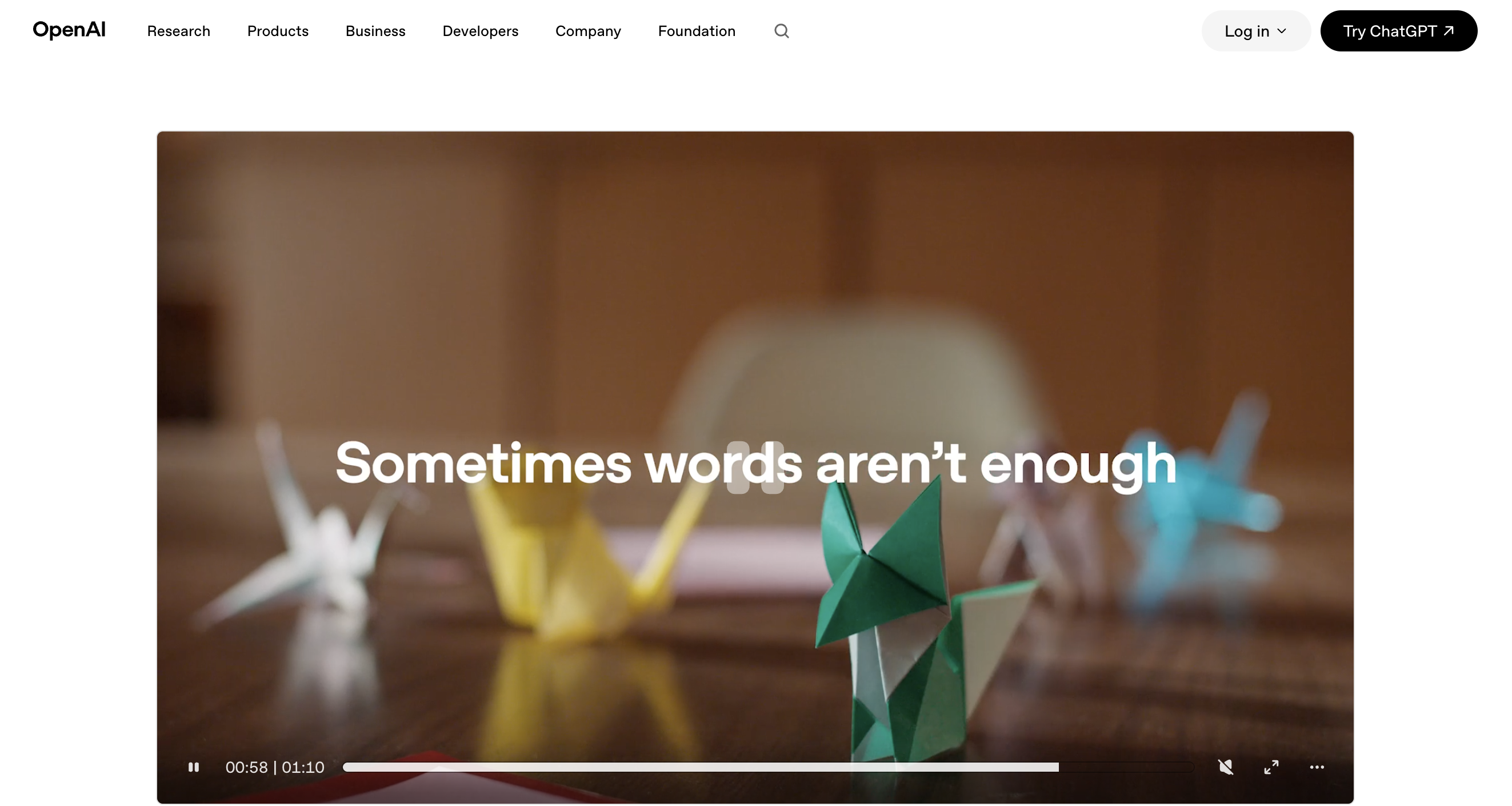
OpenAI, October 7, 2026
The GPT-6 launch video
OpenAI is making a big announcement out of a visual upgrade to chat, but really all they're doing is allowing the model to send HTML to the chat. This is a concept that the industry has been noodling since Thariq Shihipar on Anthropic's Claude Code team pushed HTML over MD in a podcast and essay. Since agents are already good at HTML, why not make HTML our primary way of interacting with them?
The two tools, side by side
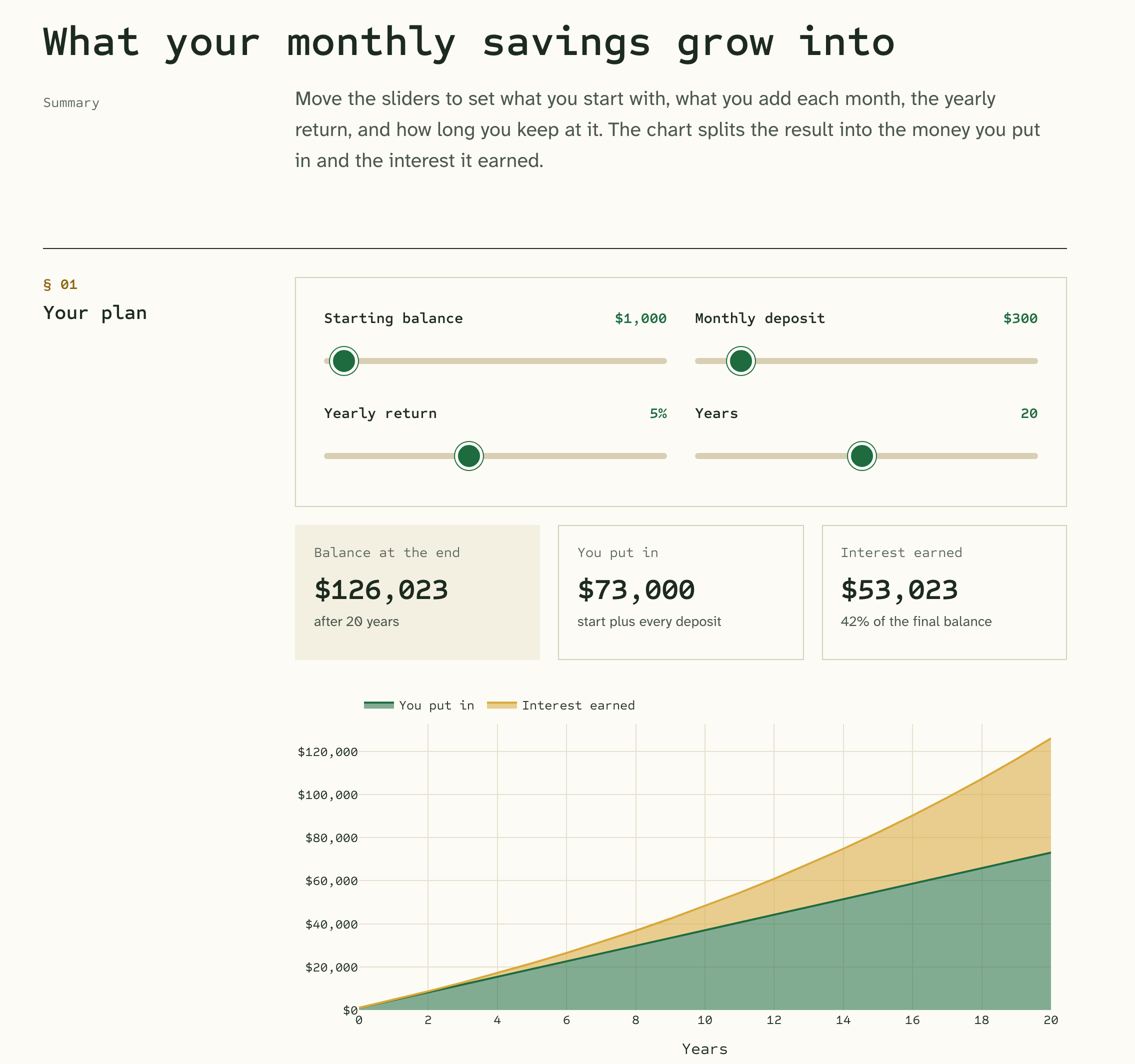
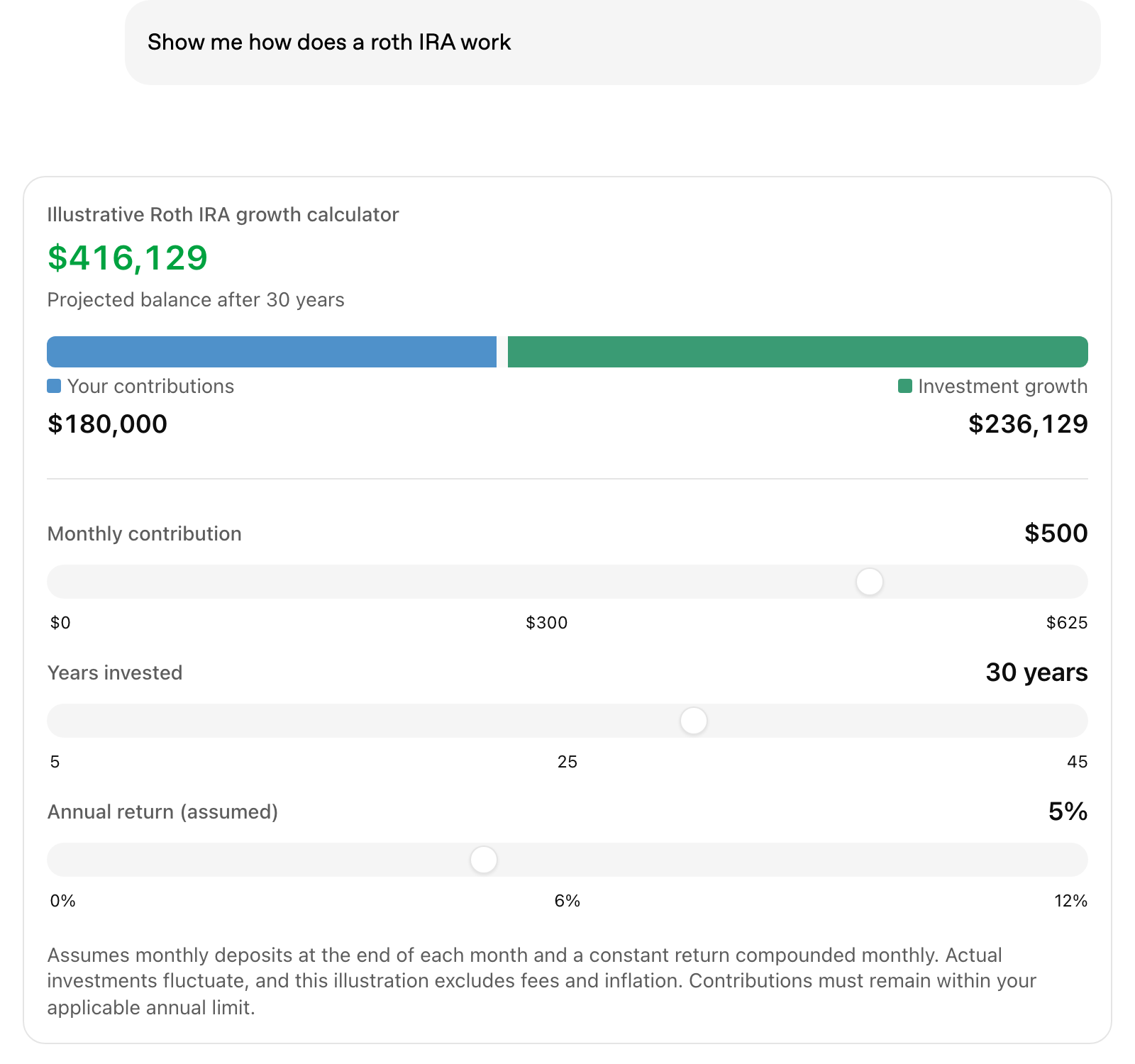
OpenAI showed a few ways you might use this. Most of them are cute examples you may or may not actually ask for, but they illustrate the point. Here’s a quick side by side of the exact same tools built with Lahe.
Click any of my versions of the example tools to use them live.
A savings calculator
A bill splitter
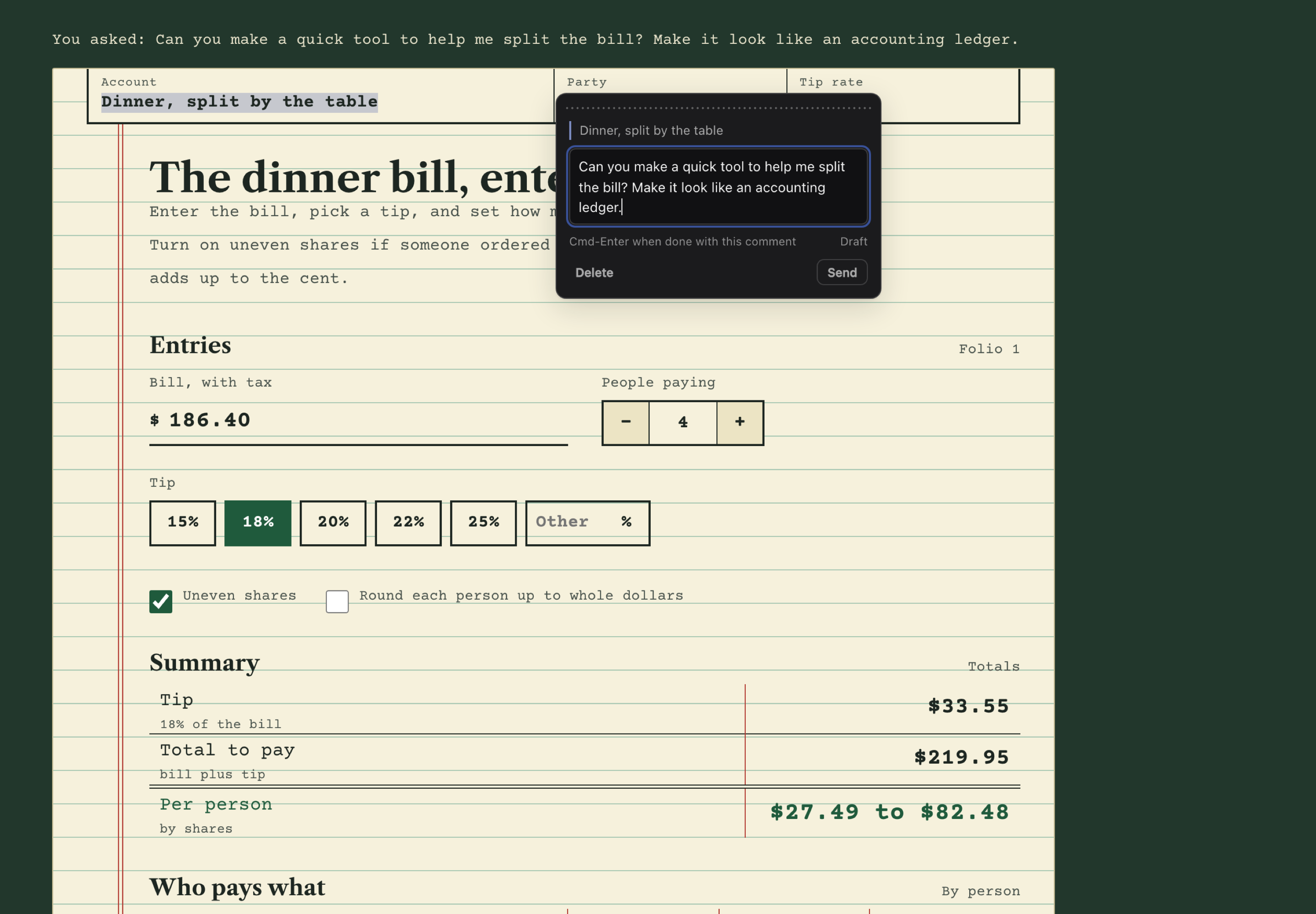
Lahe
Can you make a quick tool to help me split the bill? Make it look like an accounting ledger.
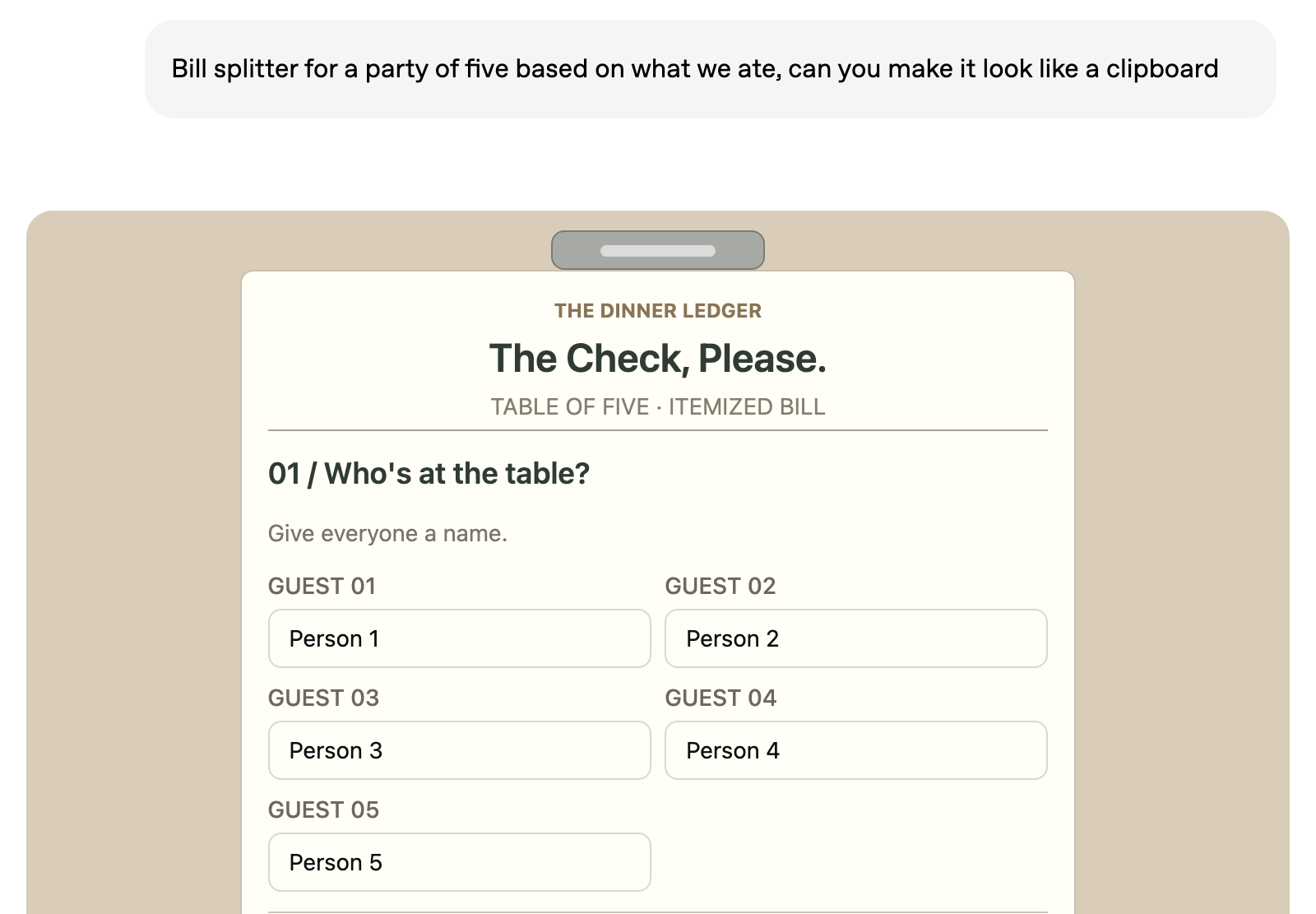
OpenAI
Bill splitter for a party of five based on what we ate, can you make it look like a clipboard
A retro game console
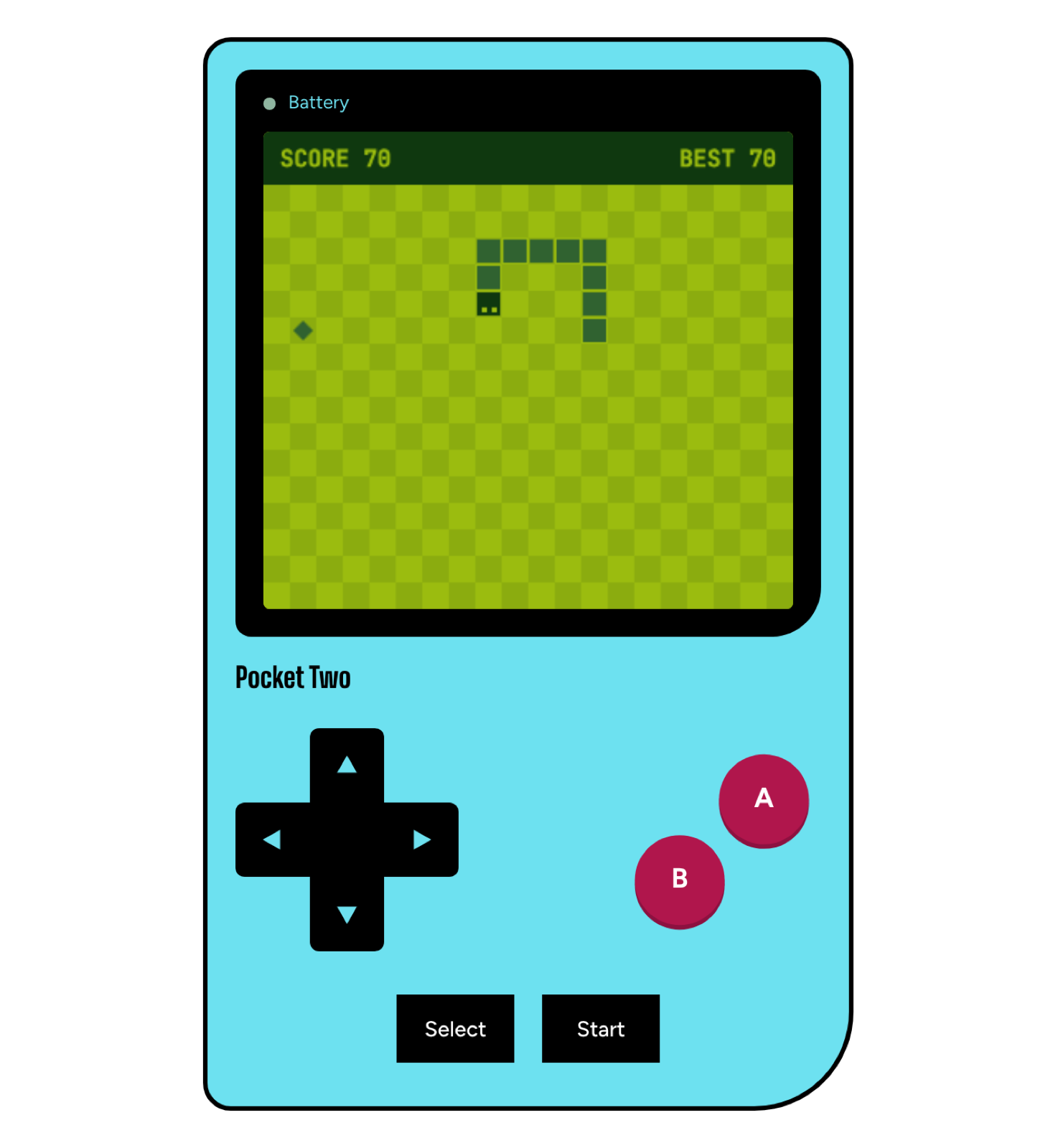
Lahe
Create a retro interactive gaming console that I can play
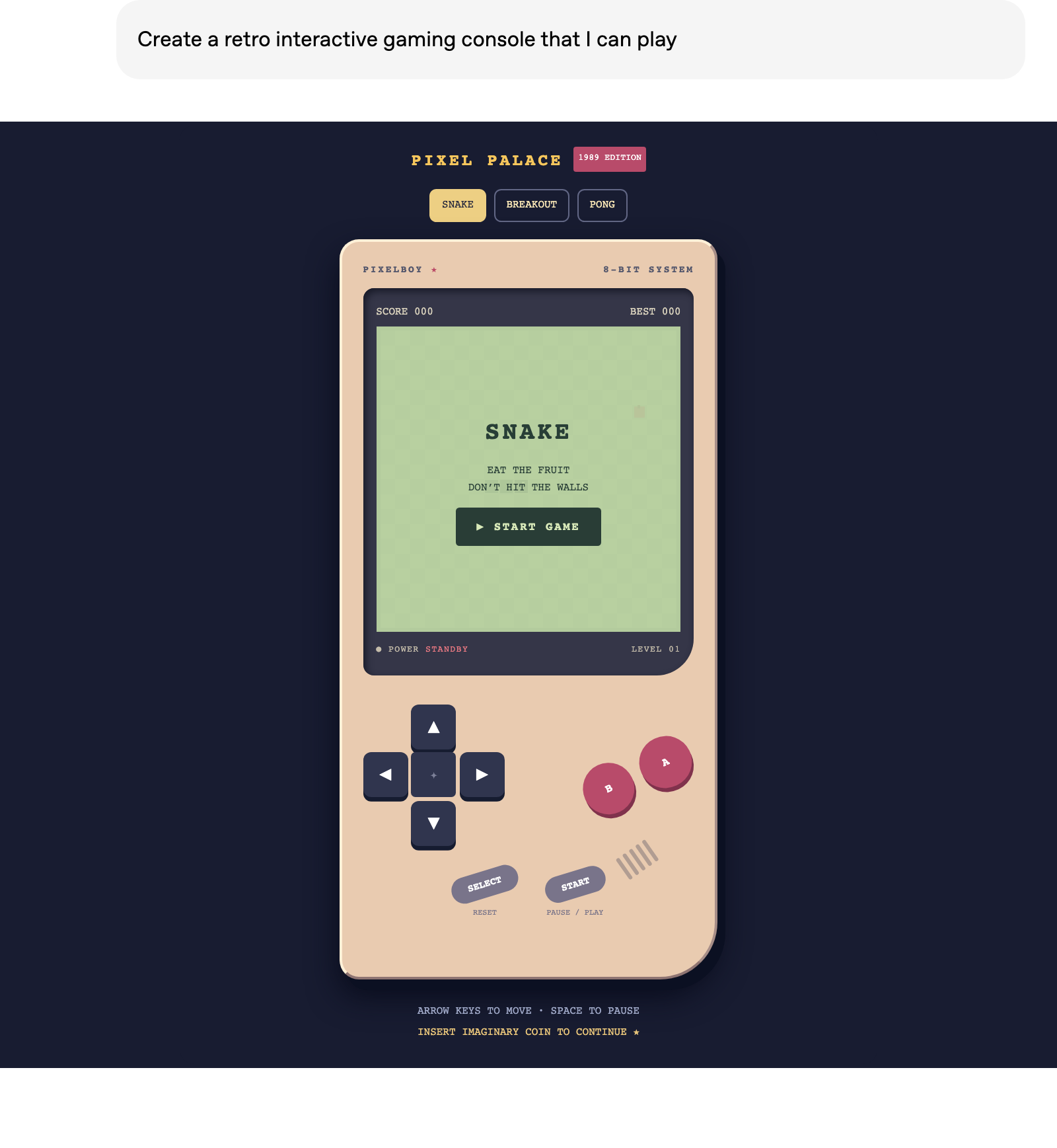
OpenAI
Create a retro interactive gaming console that I can play
Additional examples
Some of the other ChatGPT examples, all quickly rebuilt and restyled in Lahe.
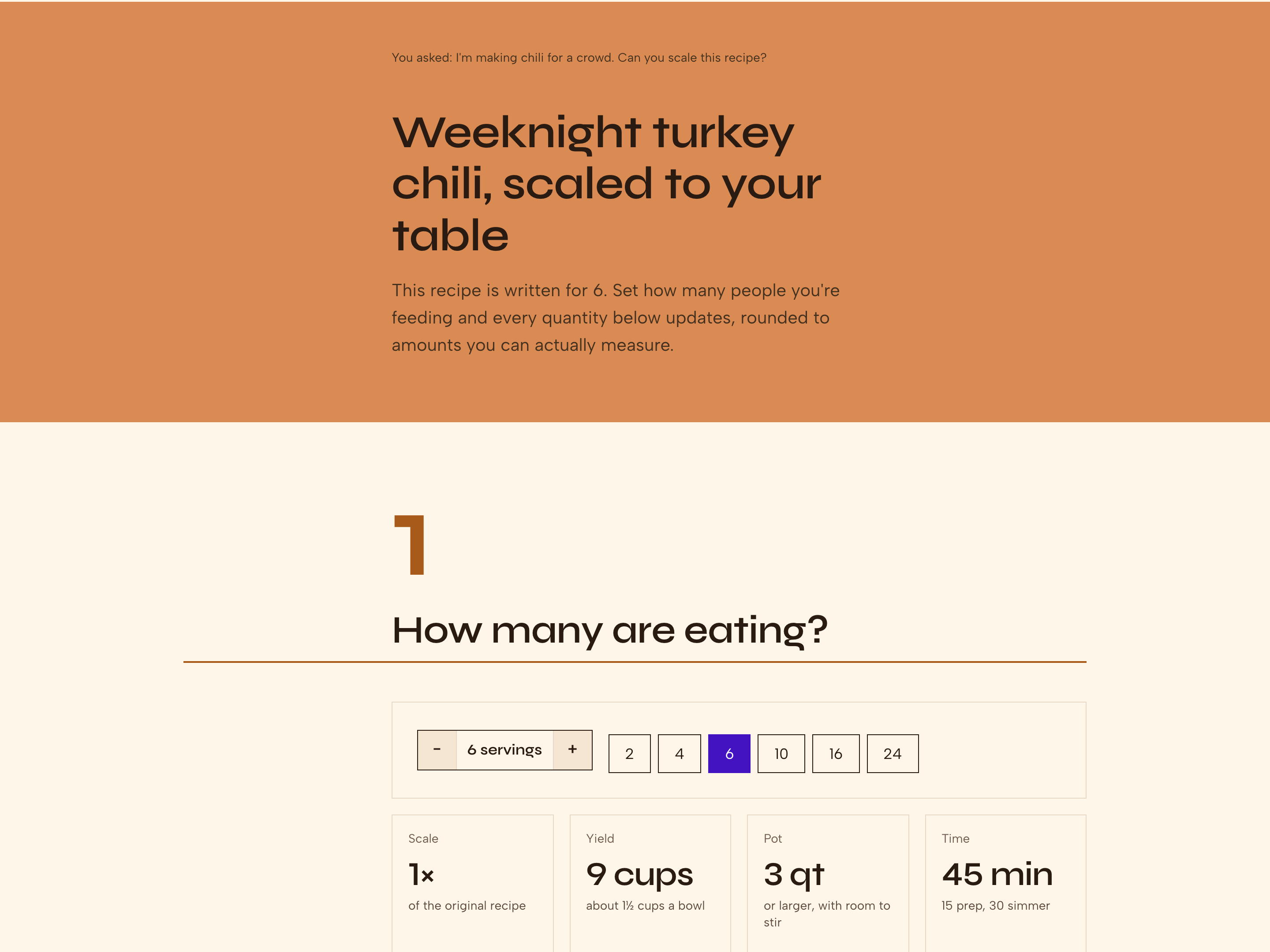
Recipe Scaler
Every ingredient rescales to amounts you can measure.
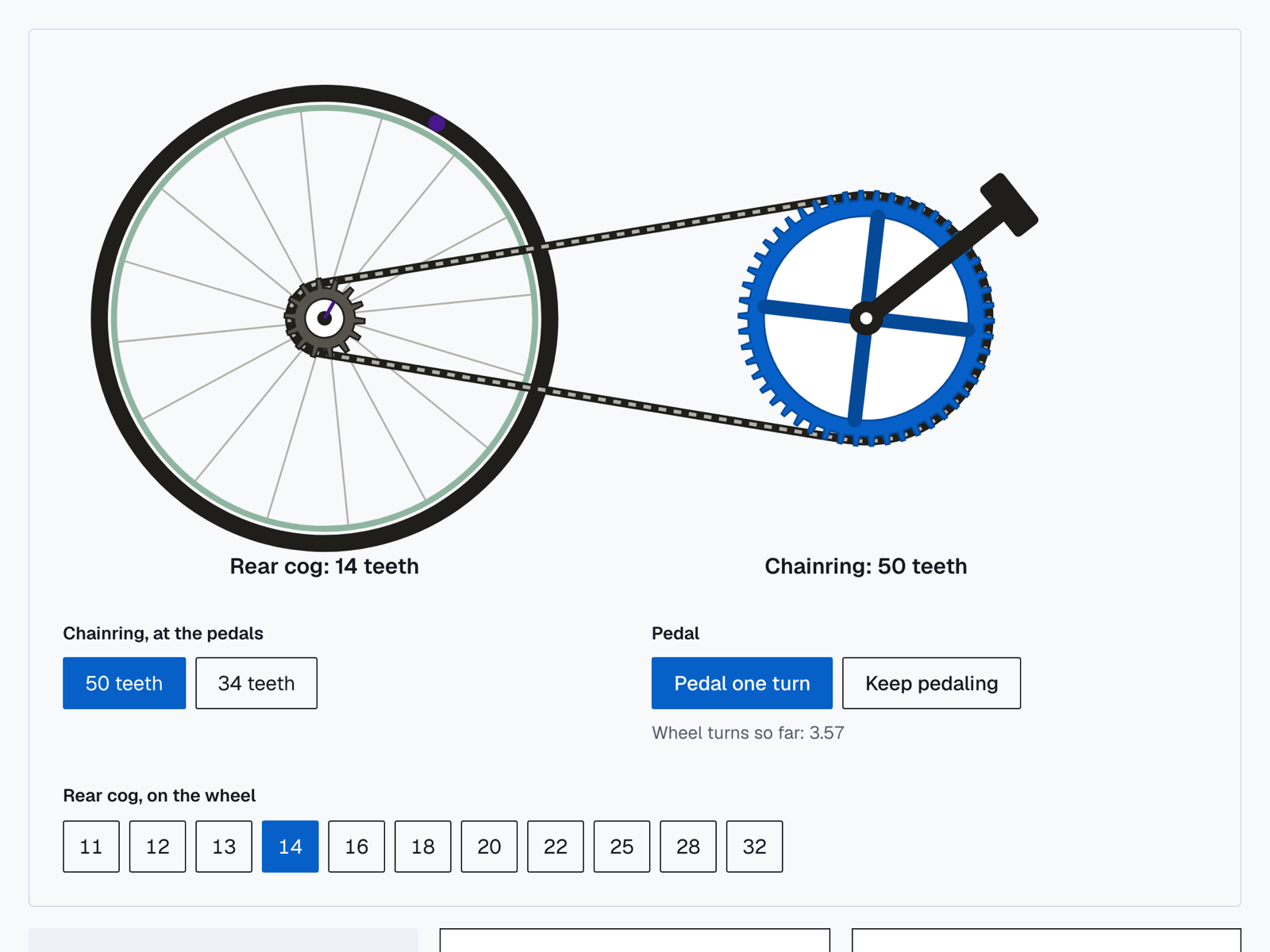
Animated bike gears
Pick a gear, press pedal, and the wheel turns by the ratio.
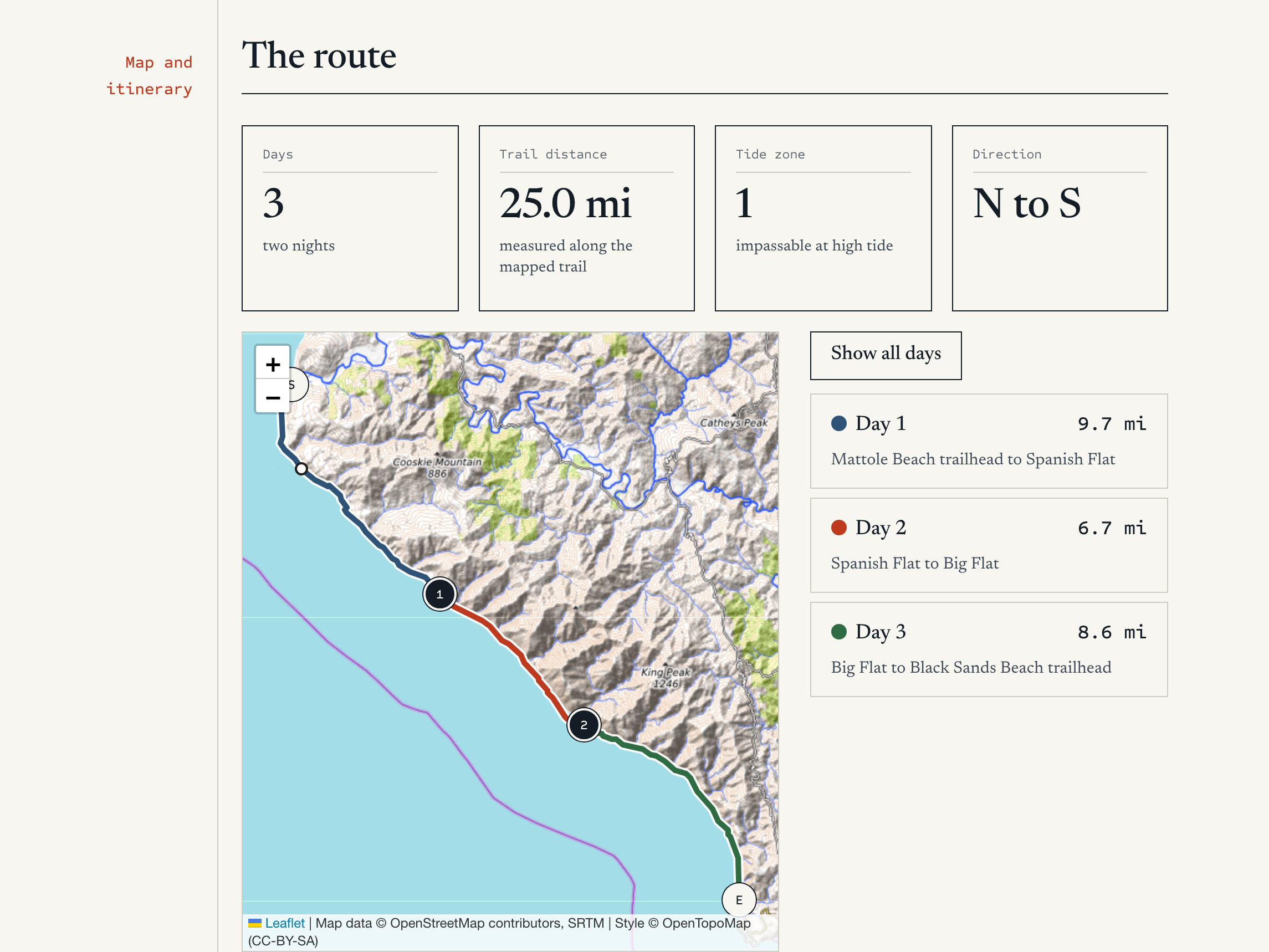
Hiking map
Tap a day and the map zooms to that leg.
Lahe goes further
Lahe not only gives you live interactive components, I’ve been adding features continuously as I use it non-stop.
| Feature | What it gets you |
|---|---|
| Use with any model | Claude code, Codex, Gemini Antigravity, or open source models like Qwen can use Lahe. |
| Threaded conversations | Don’t lose your answers in the chat stream. |
| Style picker for docs | Quickly cycle through document styles instead of fiddling with fonts and colors. |
| Use it on your webpages | You can walk your dev webpages locally and edit them directly. |
| Easy PDF | Export any page to PDF, or just send a link. |
| Open source | Add your own features. |
The open source version that I have created allows you to run this locally, which means you can use any model that can access your hard drive. So you can use Claude Code or Codex, or Gemini’s Antigravity, or Qwen if you like the open source models.
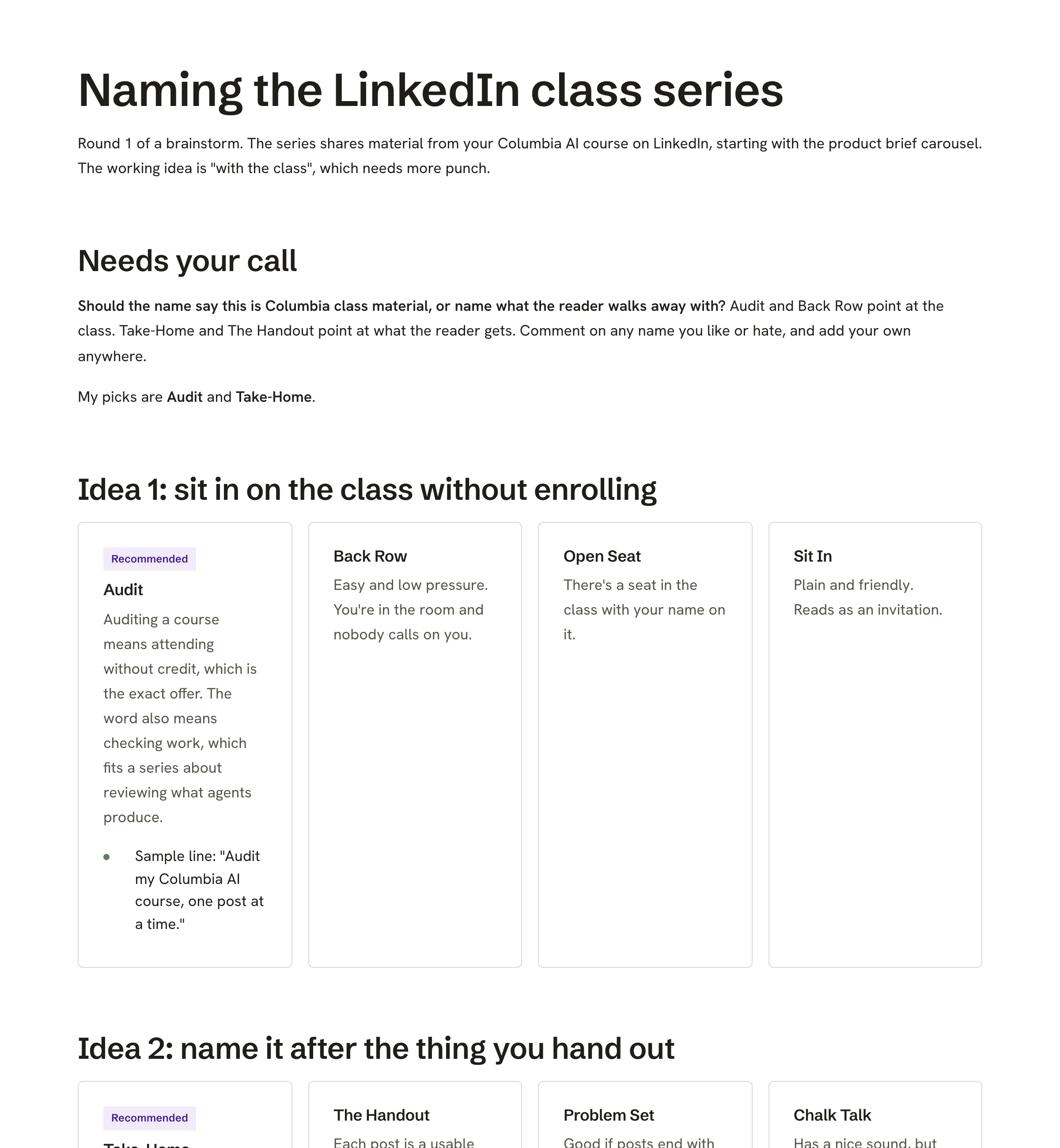
A brainstorm page
Name options to comment on and choose between.

Your own web pages
Feedback on a working site, with threaded agent conversations.
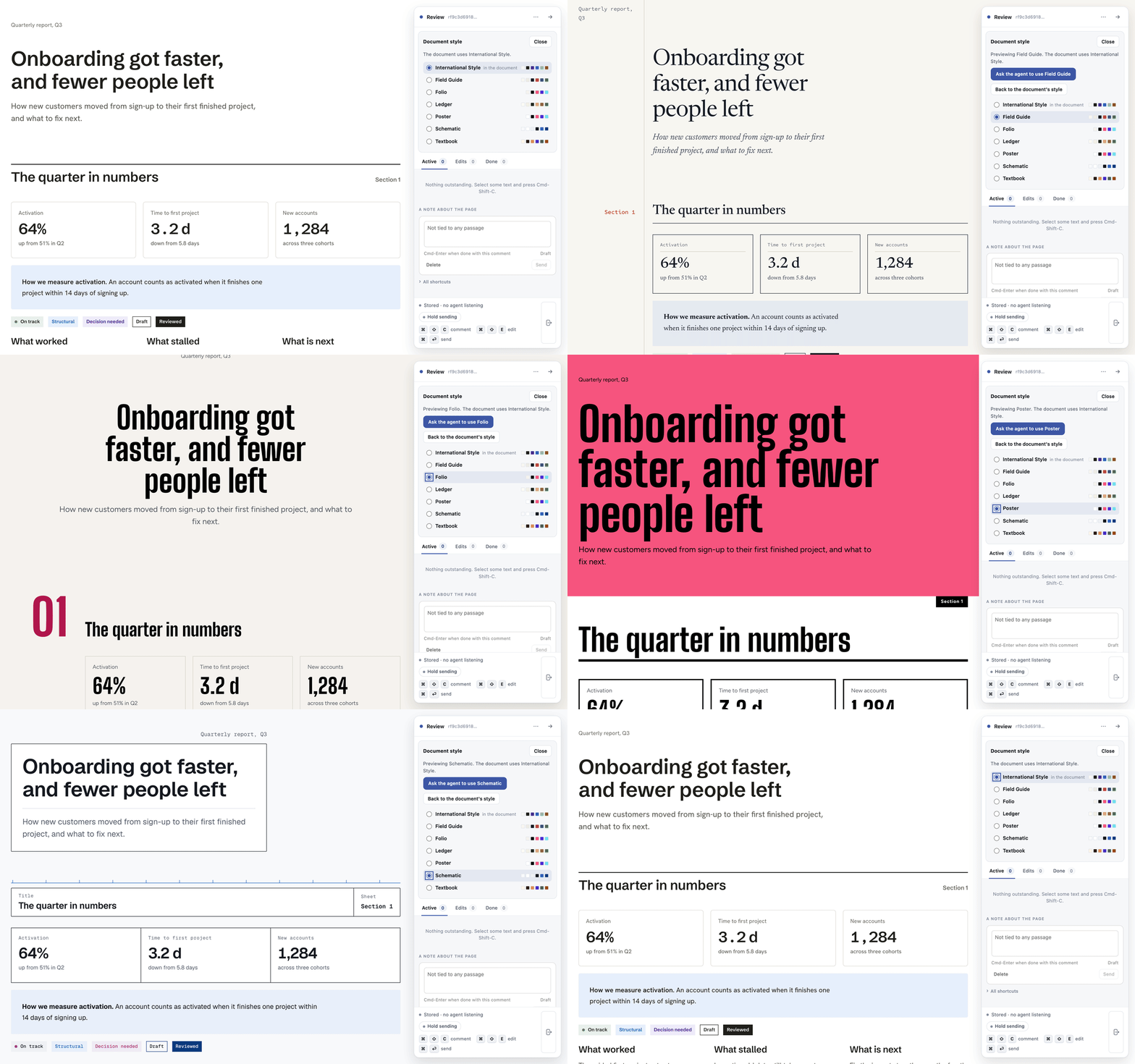
Style switcher
One document, seven styles, switched from the rail.
There's a lot more that can be done once you start moving into HTML as your way of interacting with the model. OpenAI's Intelligent UI is just the beginning! Try Lahe now!
Product page: stclair.ai/lahe
Code Repo: github.com/kenxle/live-agentic-html-editor. Star the repo for future updates and features.
I'd love to hear what you think!