Ledger
A spec sheet with typewriter labels and ruled tables. For specs, scopes, and price sheets.
Download Ledger
Free
Unzip it, then install it in Lahe with lahe style add ledger. Your agent can run that for you.



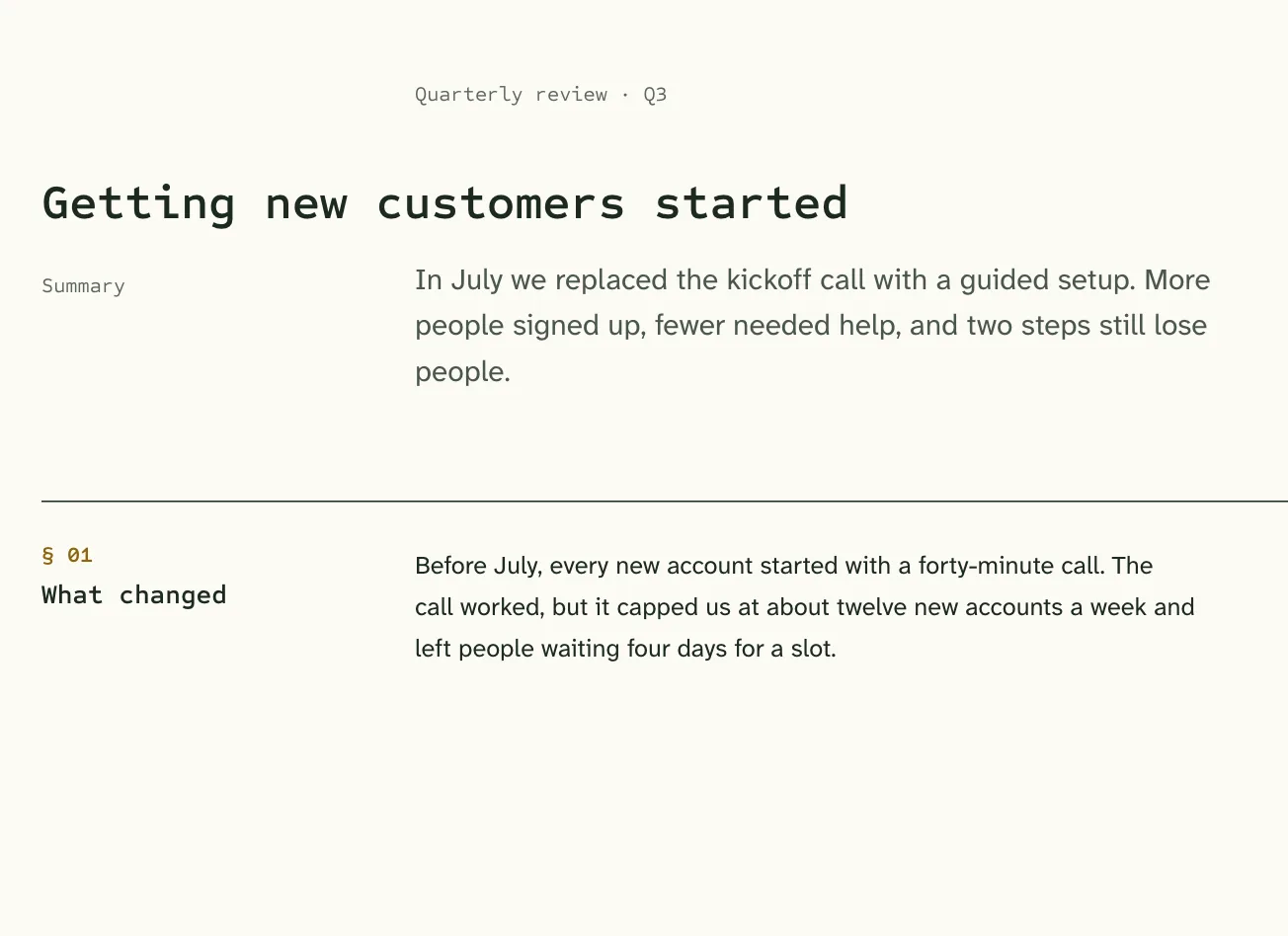
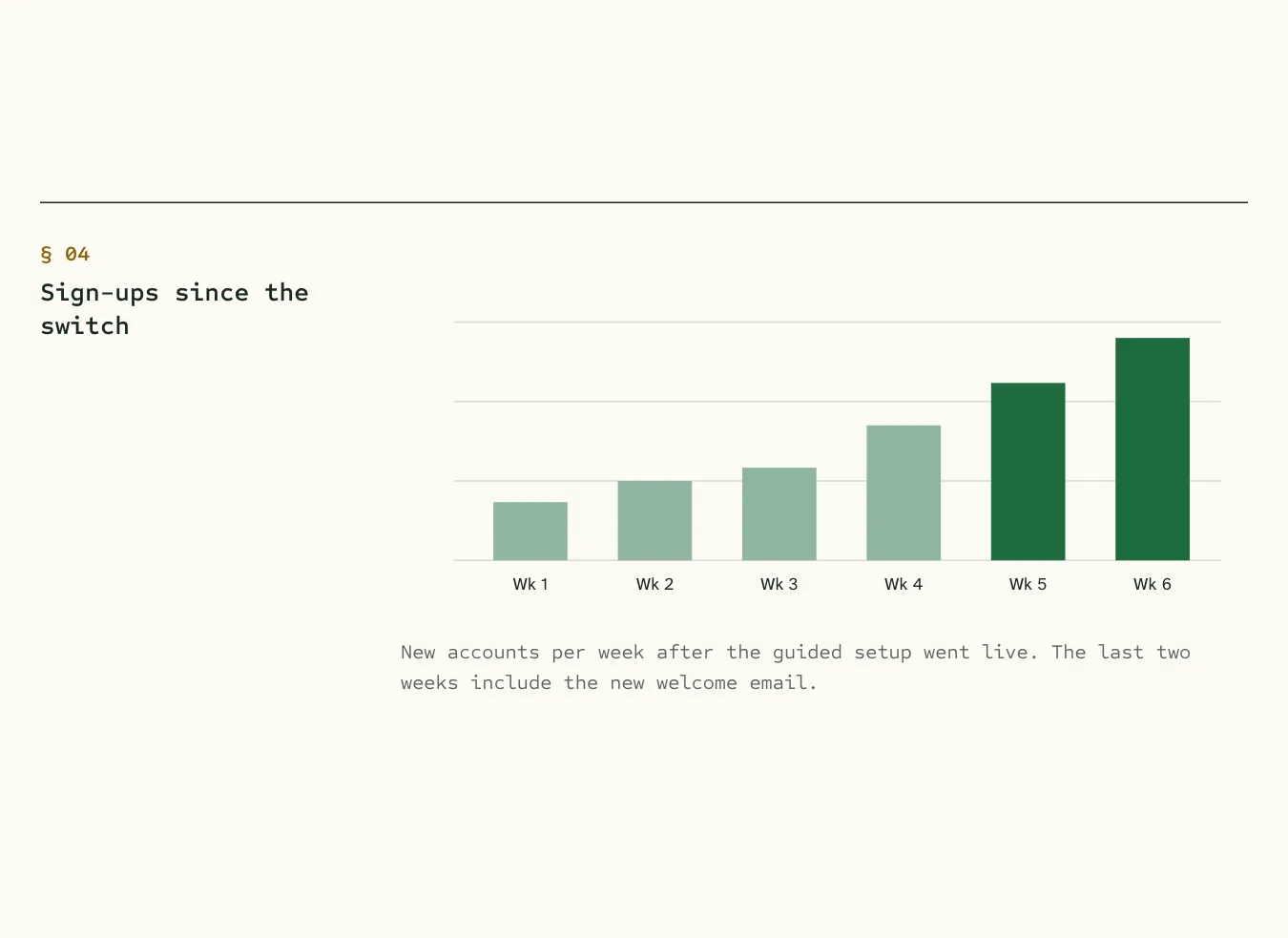
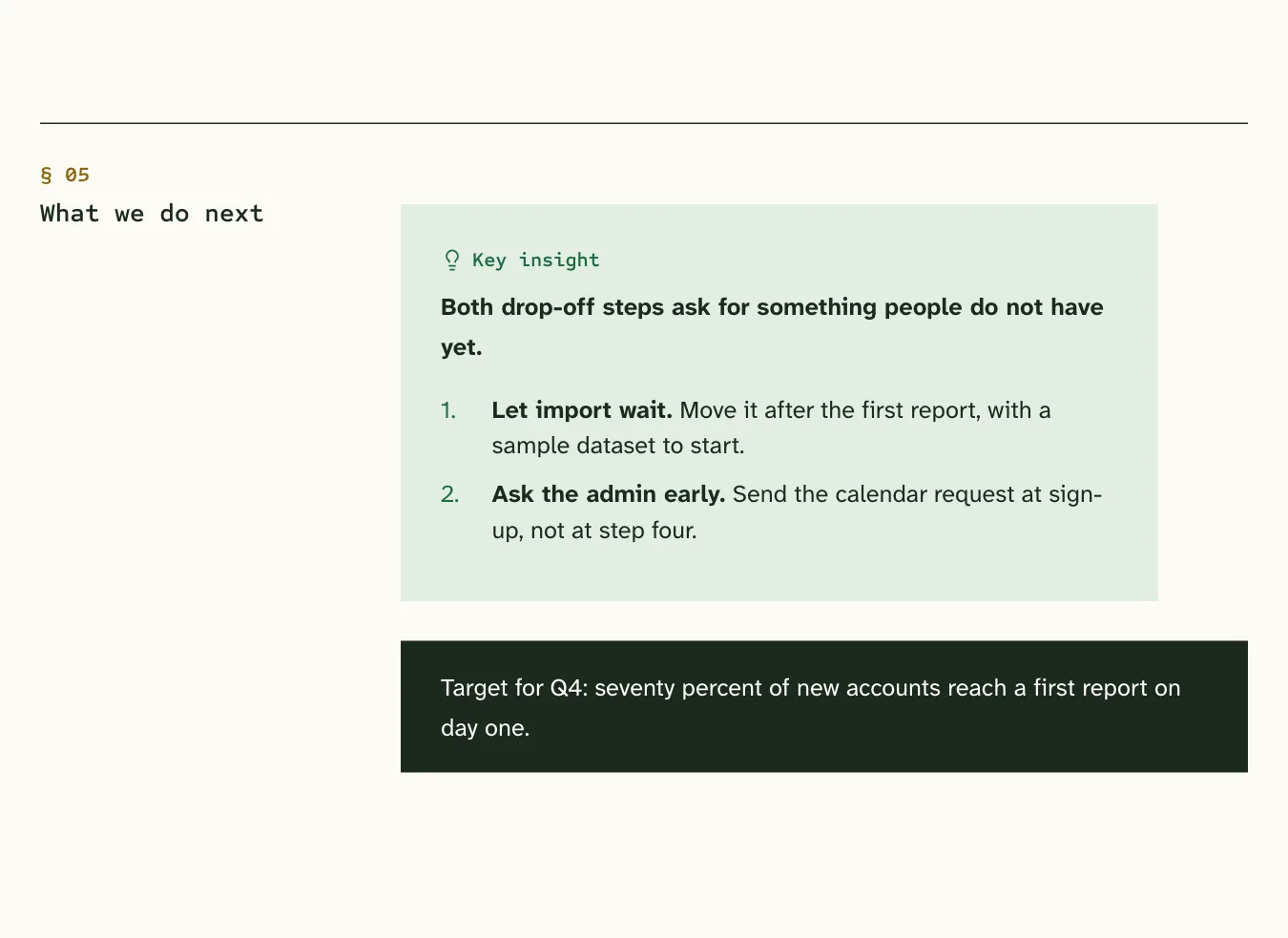
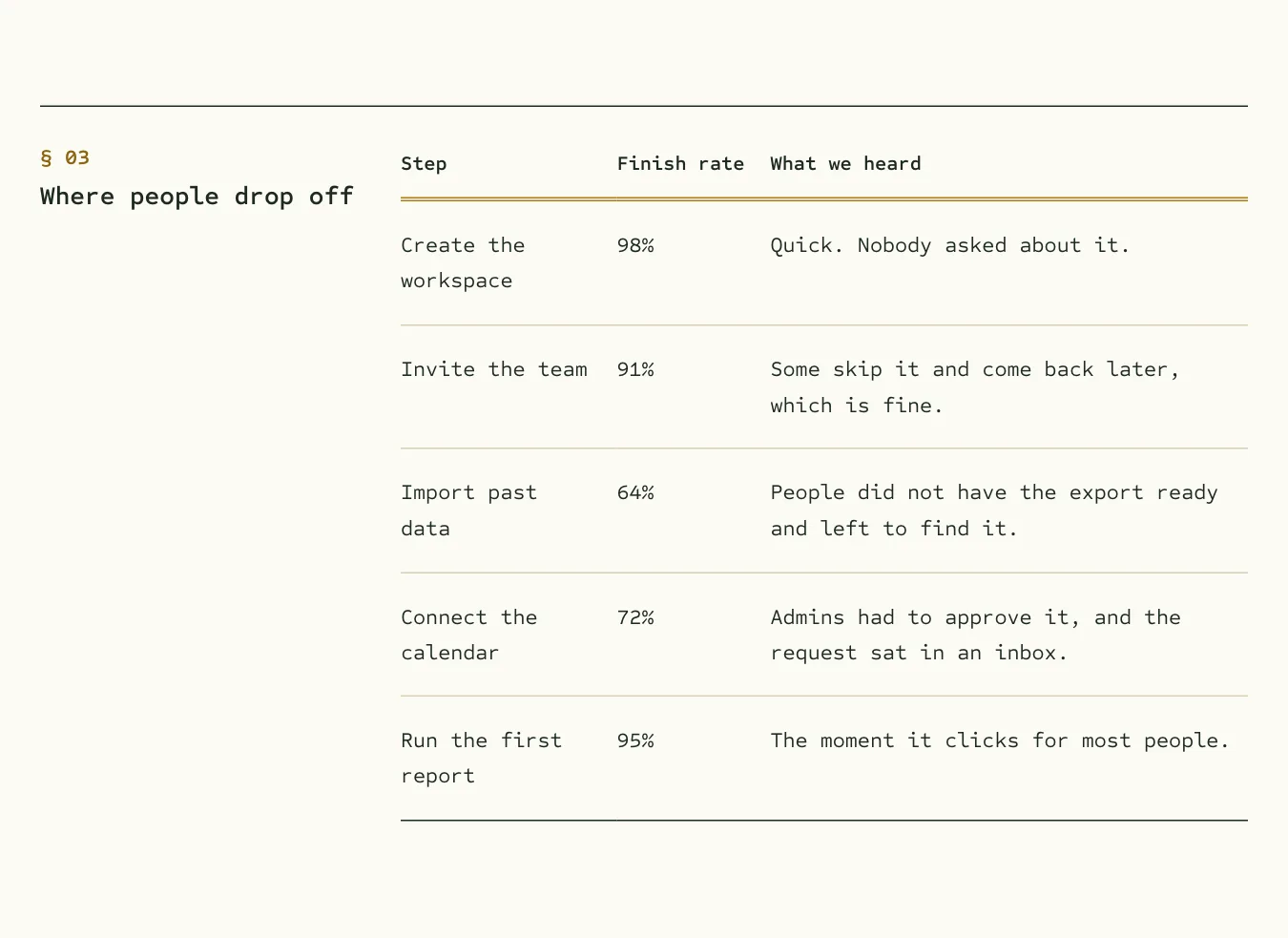
A look inside
One short report, set in Ledger.
About Ledger
Ledger looks like a well-kept accounting book or a carefully set specification. Headings, labels, and tables are typewritten; the prose is set for reading. Tables are the star. Every section is two columns, the heading on the left and the content on the right, so a long spec stays easy to scan.
The layout
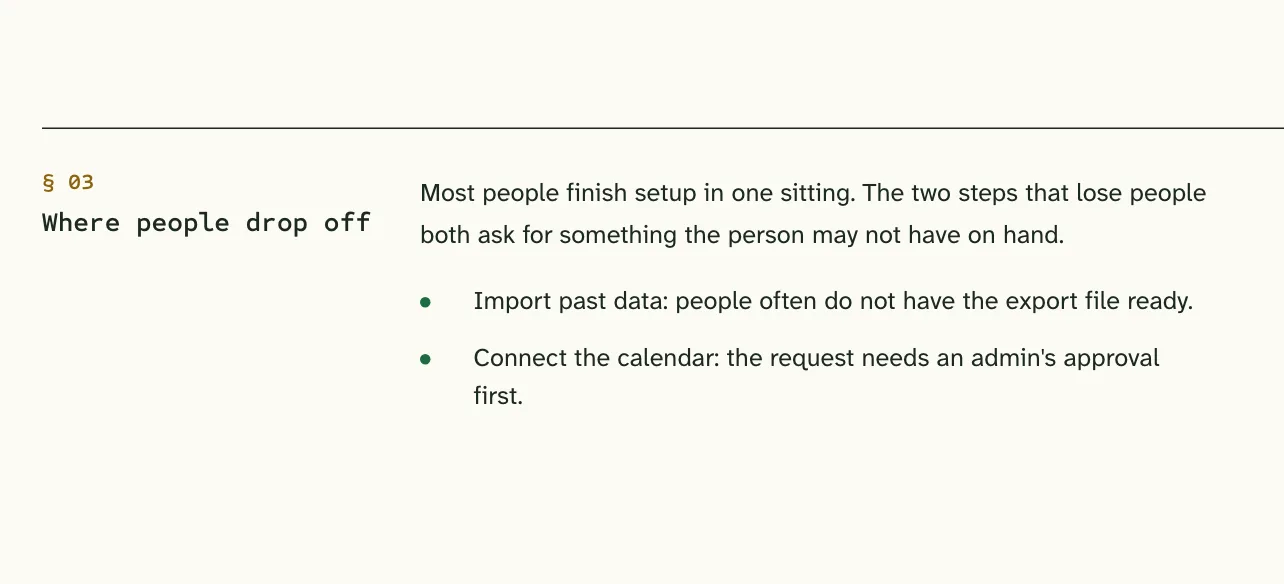
Two columns per section: the number and heading in a narrow left column, the content in a wide right one. Everything snaps to the same edges.
Good for
- Specs and requirements
- Scopes of work and estimates
- Price sheets and comparison tables
What is in the download
- The style sheet, which loads after Lahe’s base styles
- The fonts, with their open licenses
- A design guide: the reasons behind each choice and the rules for extending it
- An example document that uses every component
- A README with the one command that installs it in Lahe