Schematic
Blueprint precision for developer docs. Section heads boxed like a drawing's title block.
Download Schematic
Free
Unzip it, then install it in Lahe with lahe style add schematic. Your agent can run that for you.



A look inside
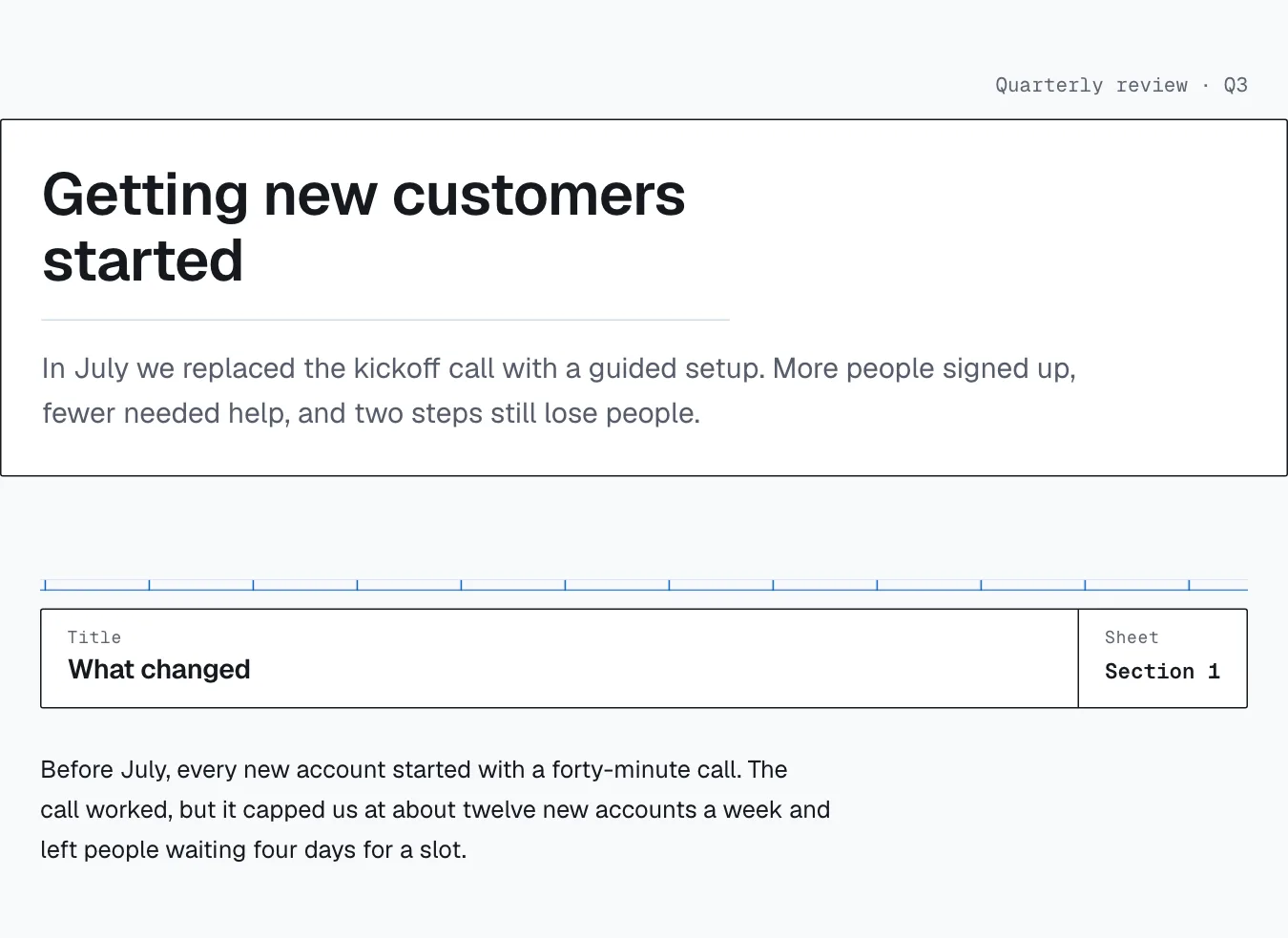
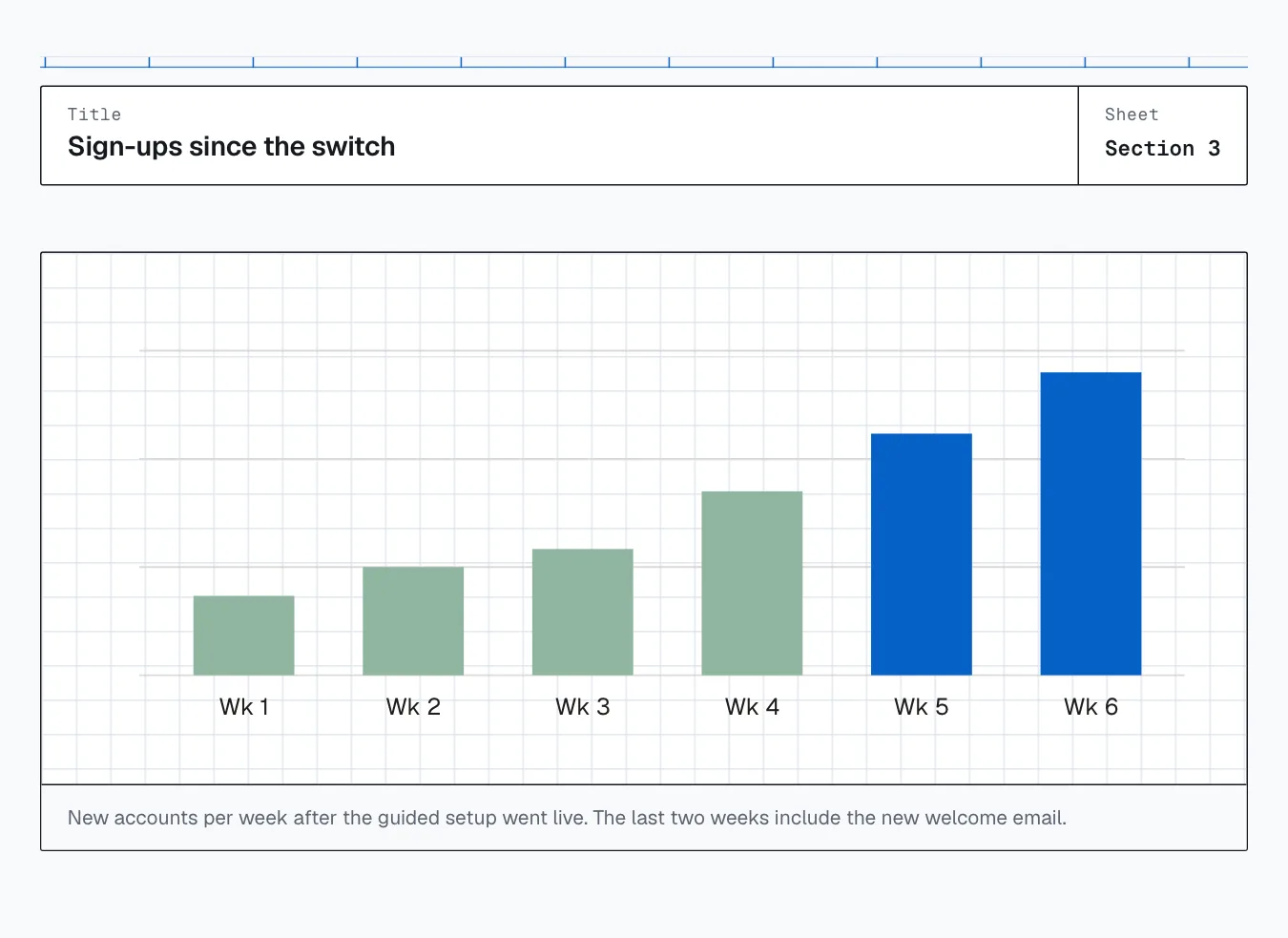
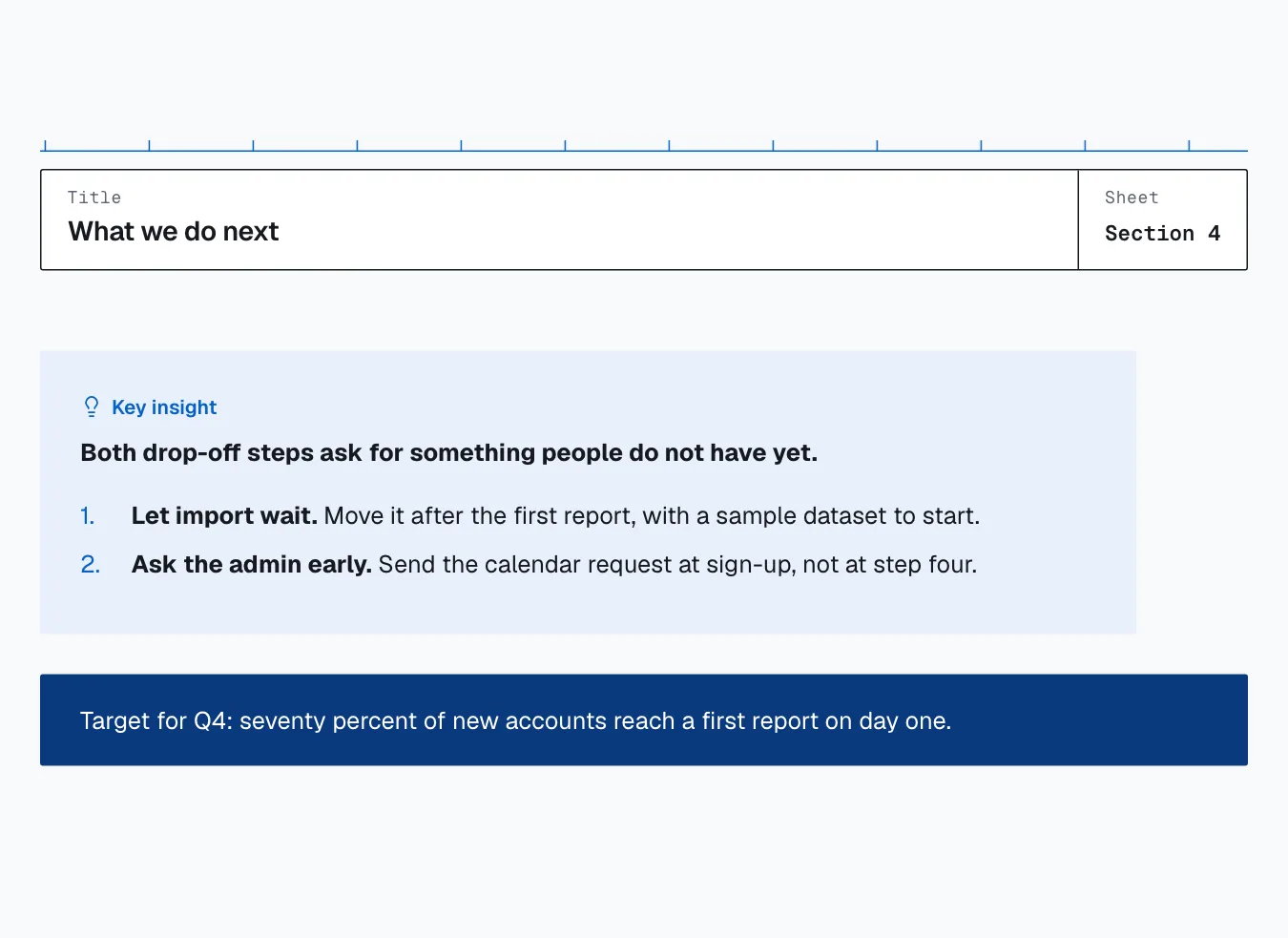
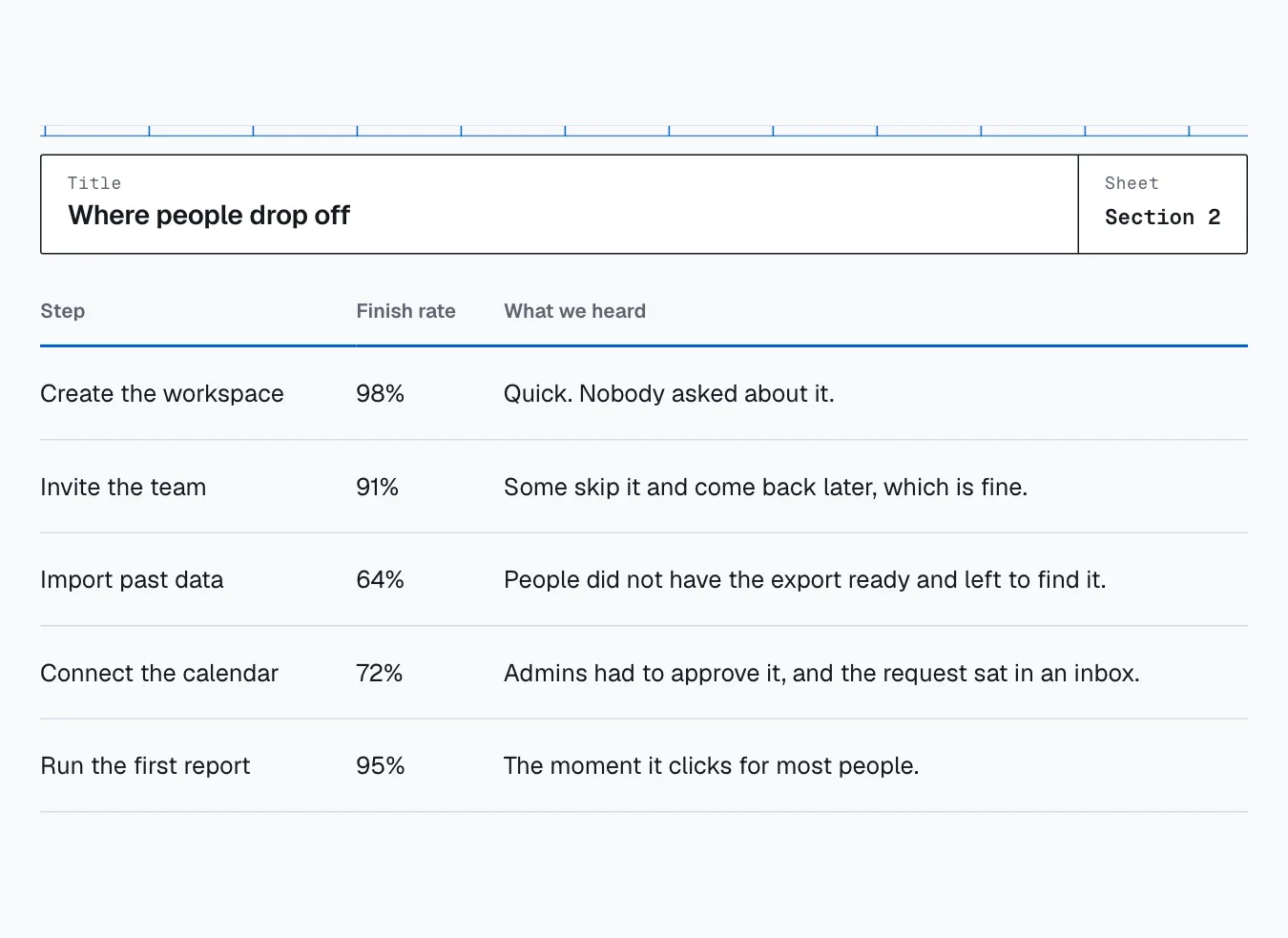
One short report, set in Schematic.
About Schematic
Schematic is for developer documentation. It reads as technical without turning into a dark terminal theme. Each section head is a boxed strip, like the title block on an engineering drawing, and the content lines up to a visible column grid.
The layout
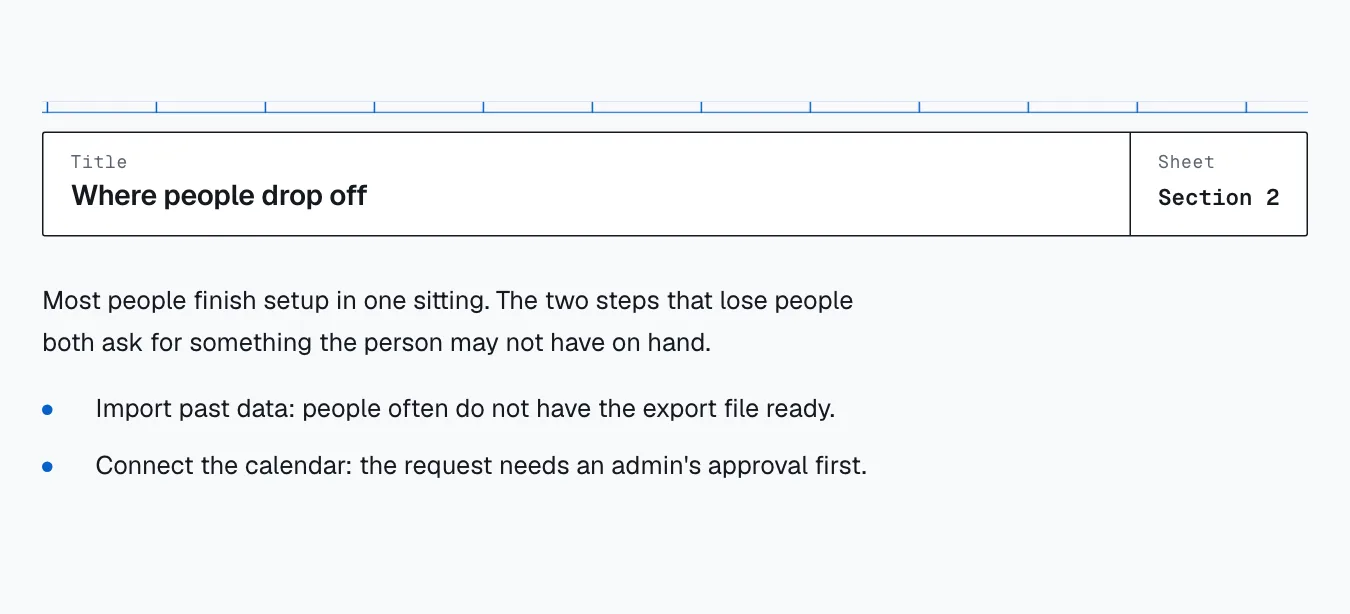
Section heads are boxed title blocks, the heading in one cell and the number in a small cell to the right. Content aligns to a column grid.
Good for
- API and developer docs
- Architecture and design notes
- Runbooks and technical READMEs
What is in the download
- The style sheet, which loads after Lahe’s base styles
- The fonts, with their open licenses
- A design guide: the reasons behind each choice and the rules for extending it
- An example document that uses every component
- A README with the one command that installs it in Lahe